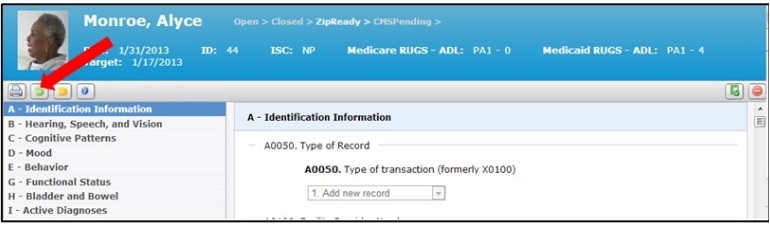
1. Access Work with MDS Assessments, and click on the resident's name on the MDS card that you would like to reset to open. This will take you to the MDS assessment.
2. Select the Green Arrow in the MDS toolbar at the top of left of the MDS assessment to move the MDS back to open.